
 Coming soon to Google Play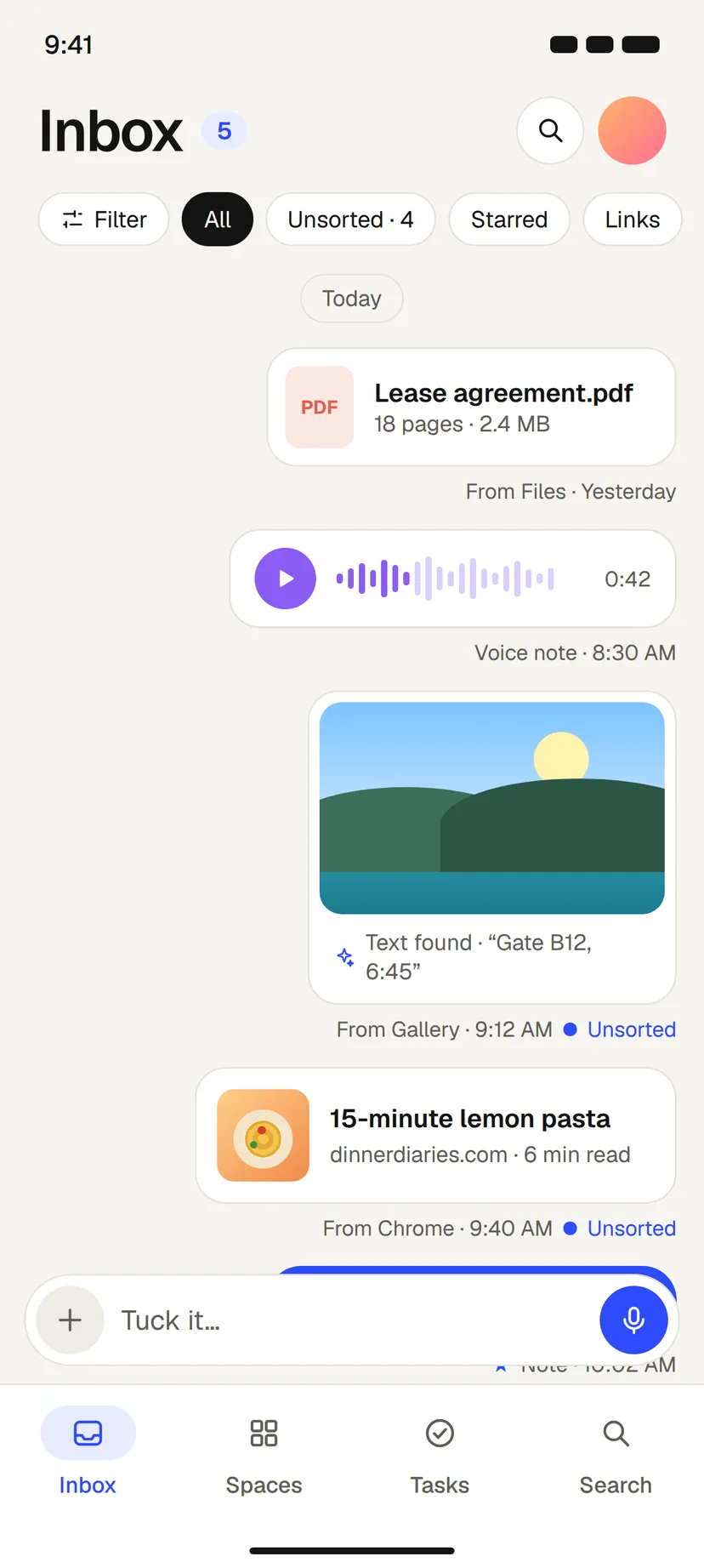
Private by design · Works offline · Finds the words in your screenshots
Save it from anywhere.Find it in seconds.
The screenshot from last week, the link you sent yourself, the PDF from the bank. tucck keeps them in one place and finds the right one again.
Coming soon to Google PlayOpen tucck web
Who it’s for
Every kind of day, untangled.
Find the page, not just the PDF.
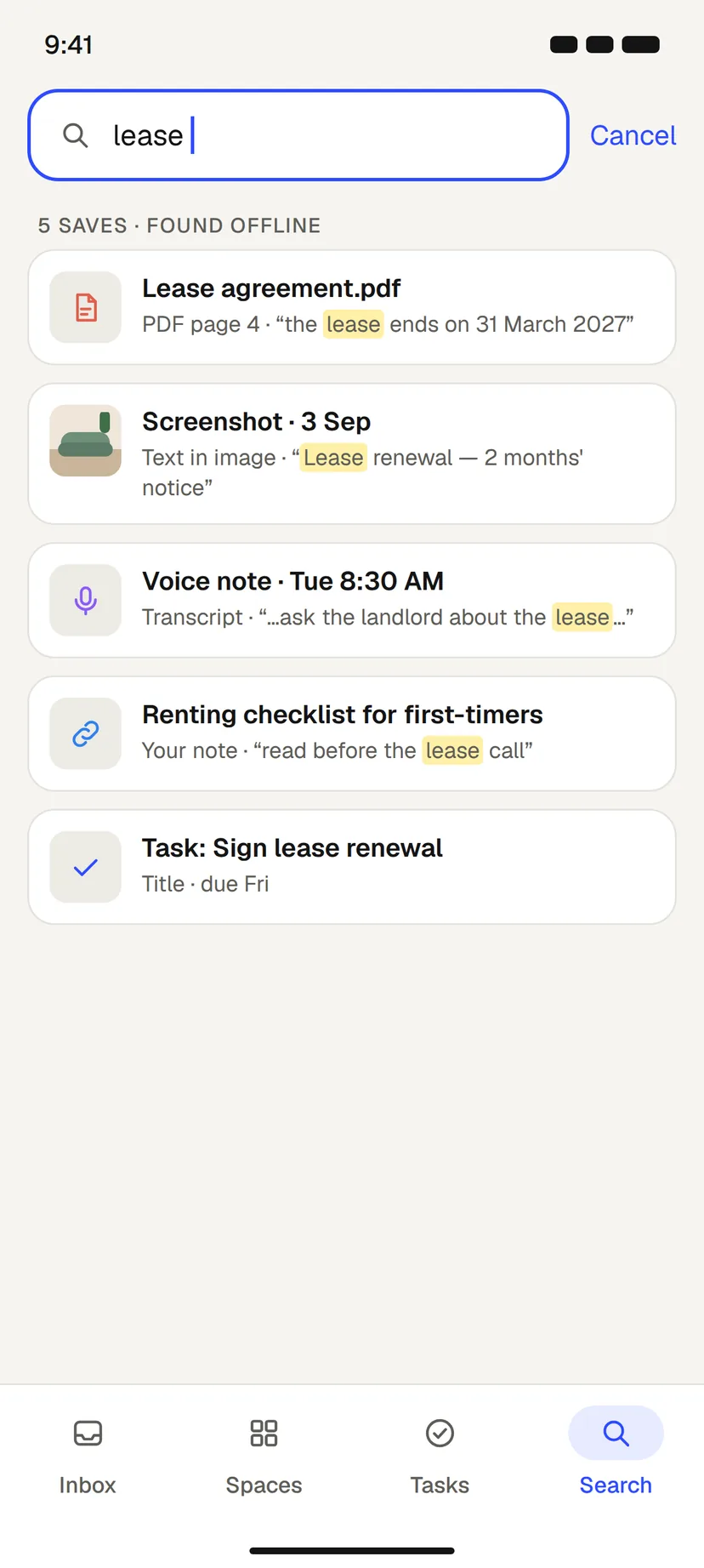
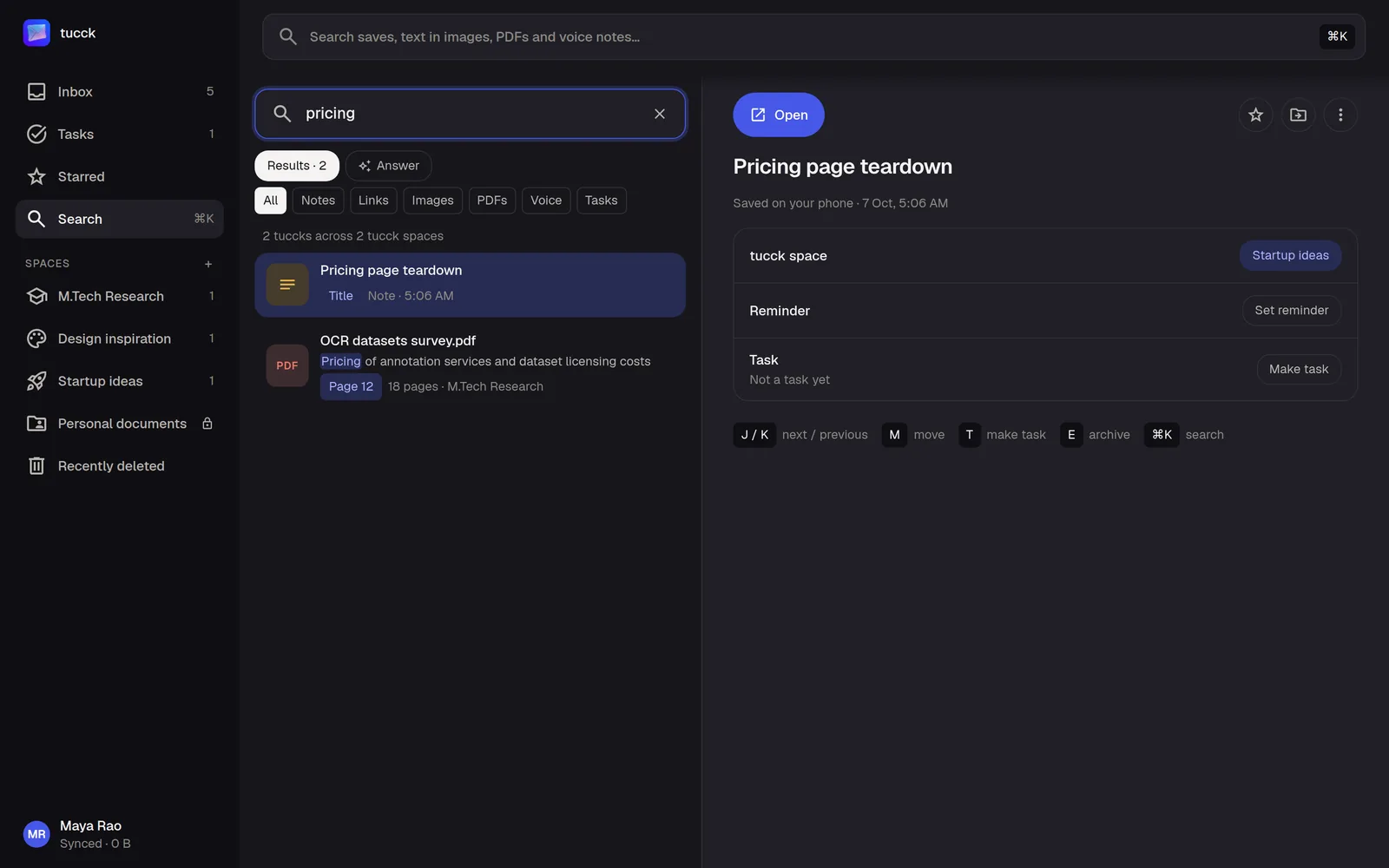
Save papers, readings and screenshots of slides in one place. Search shows which page of a PDF a phrase is on, and finds the words inside your screenshots.
- Search shows the PDF page a phrase is on (Starter, or Free with your AI key)
- Words in screenshots of slides are searchable
- Search works on your phone with no connection

See tucck in 96 seconds.
From the share sheet to the right answer, start to finish.
One Inbox for everything
Save every format. In its own colour.
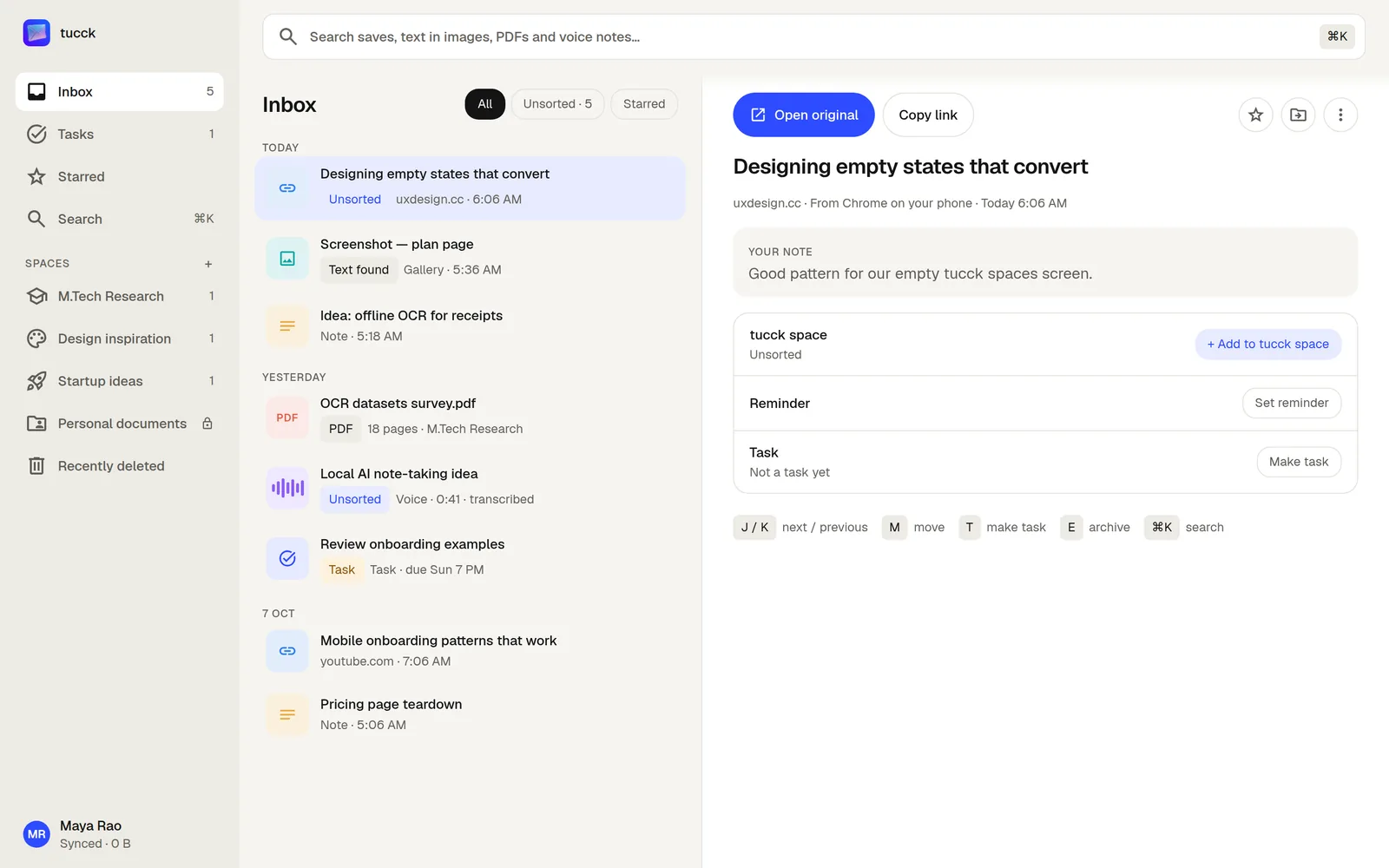
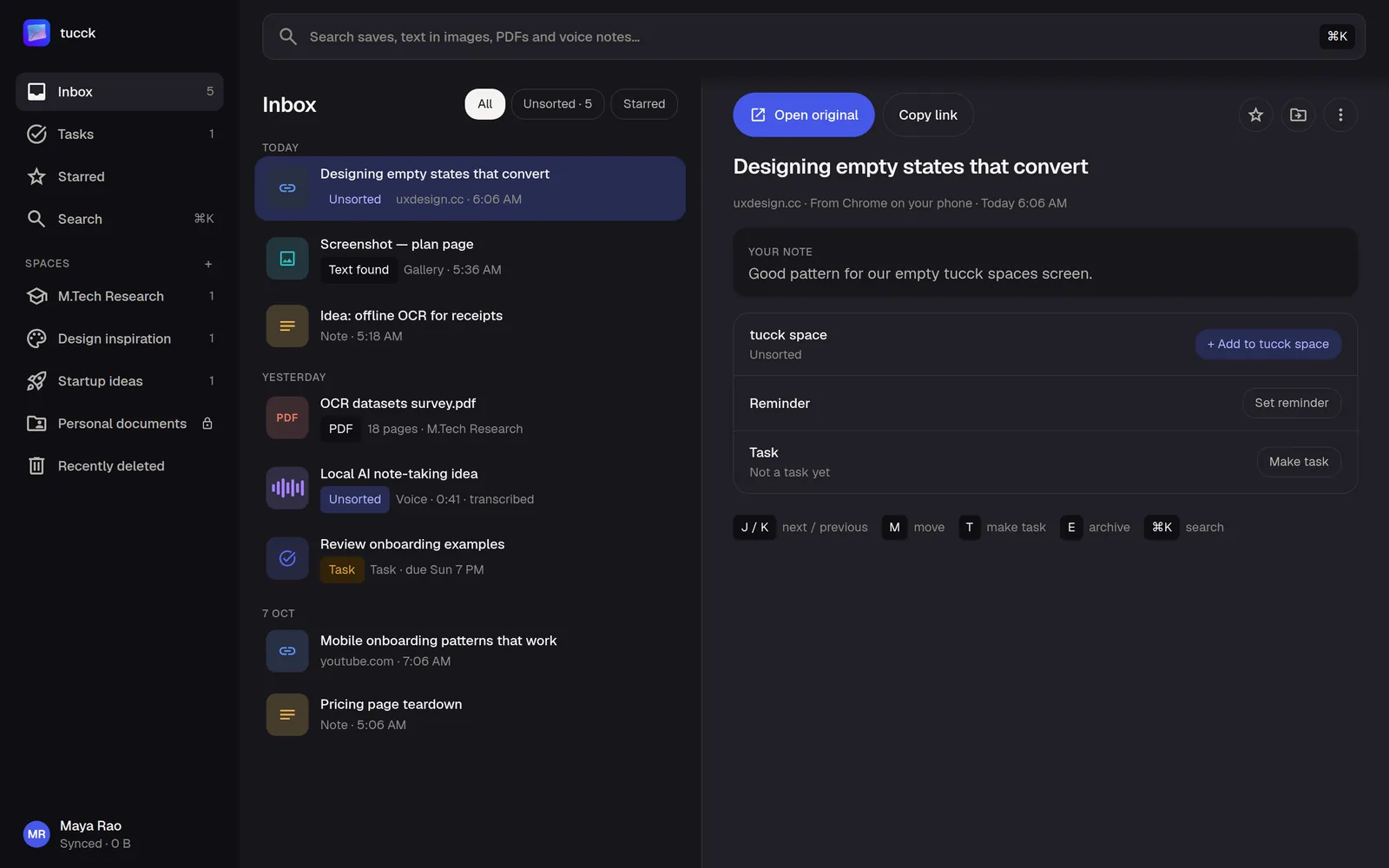
Links, screenshots, PDFs, voice notes, tasks and notes, all in one Inbox instead of five apps.
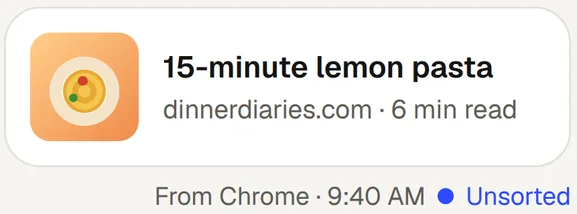
Picture, site and reading time
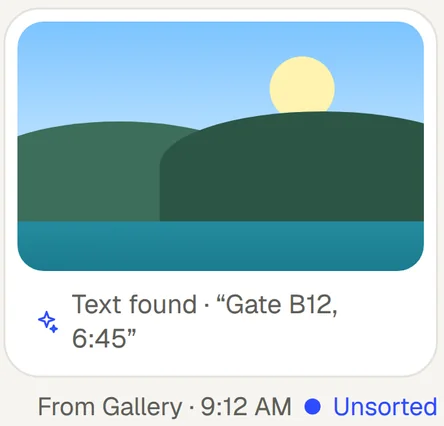
Text read on your phone, free
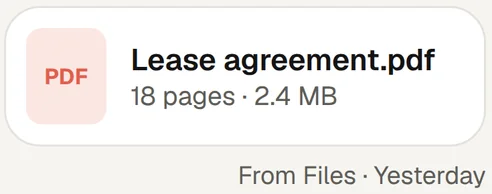
Search finds the page
Transcripts with your own AI key

Due dates and reminders
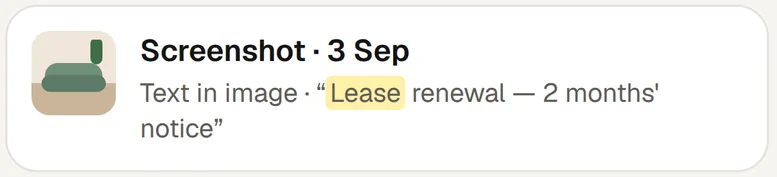
Found by the words inside
Everything lands in one Inbox. Nothing to sort first.
Then find it in seconds. Even inside PDFs and images.
See the difference
Better than texting yourself. Here’s how.
| What you need | tucck | Texting yourself |
|---|---|---|
| Save from any app | Yes: Share sheet, one tap | Yes: Share to a chat |
| Search the text in screenshots | Yes: Read on your phone | No: A photo, not text |
| Find the page inside a PDF | Yes: Page shown in results | No: Open it and scroll |
| Due dates and reminders | Yes: On any save | No: Not in a chat |
| Lock the private things | Yes: Fingerprint, face or PIN | Partly: Depends on the app |
| Search with no connection | Yes: On your phone | Partly: Depends on the app |
| On a bigger screen | Yes: tucck web, with Starter | Partly: If the app has a web version |
Coming soon to Google PlayOpen tucck web
- the screenshot from last week
- the link you sent yourself
- the recipe in tab 47
- the PDF from the bank
- the voice note from your walk
01
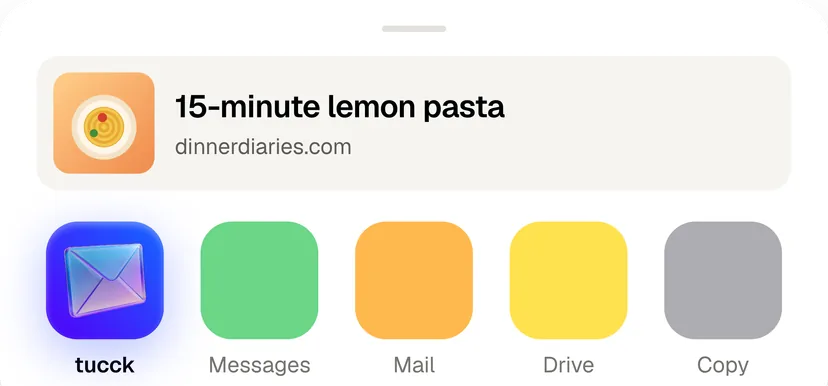
Share from any app. It lands here.
Tap Share in your browser, your gallery or any chat, and pick tucck. It's saved the moment you tap, even offline. No folders to choose.

02
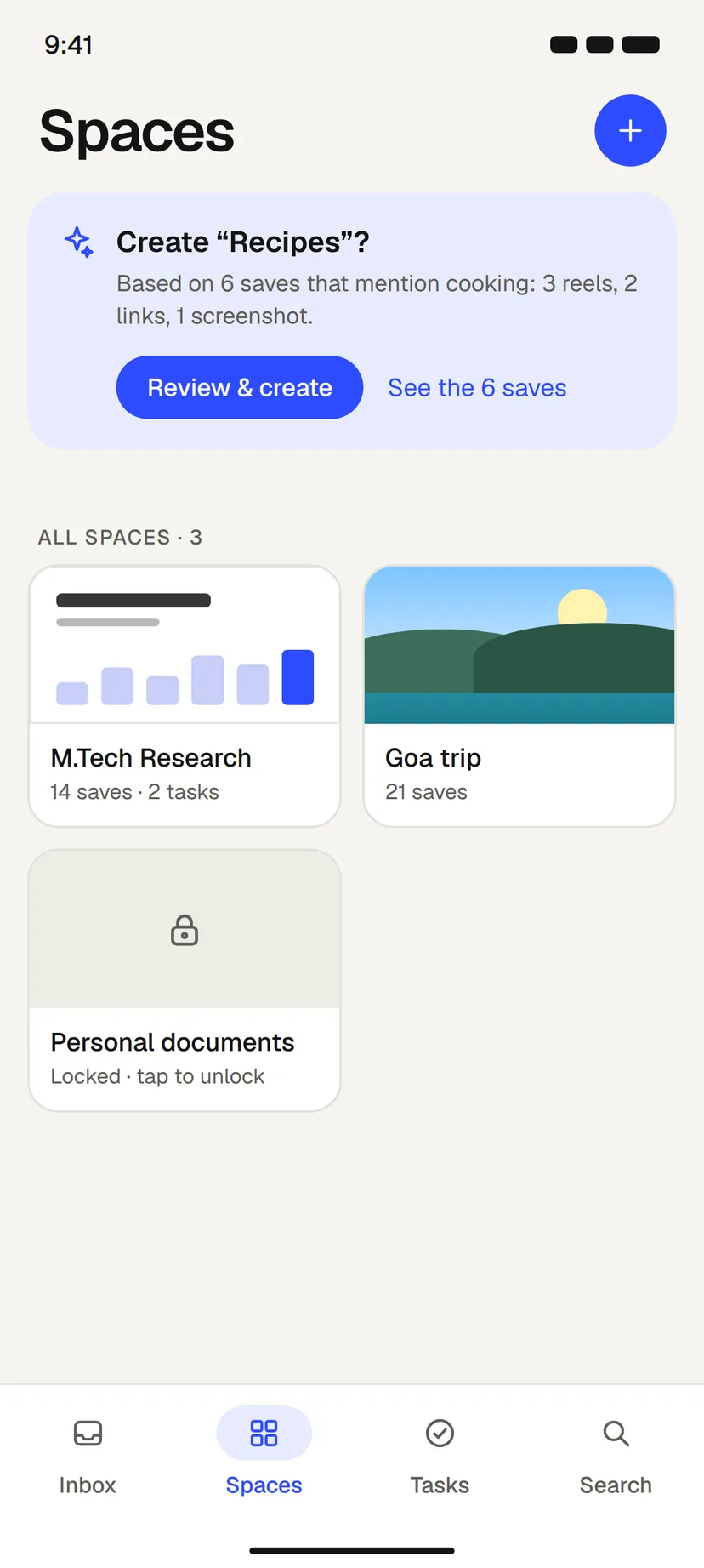
Save first. Sort later.
Everything drops into your Inbox as it arrives. tucck suggests tags and tucck spaces for what belongs together, and you accept, change or ignore them.
03
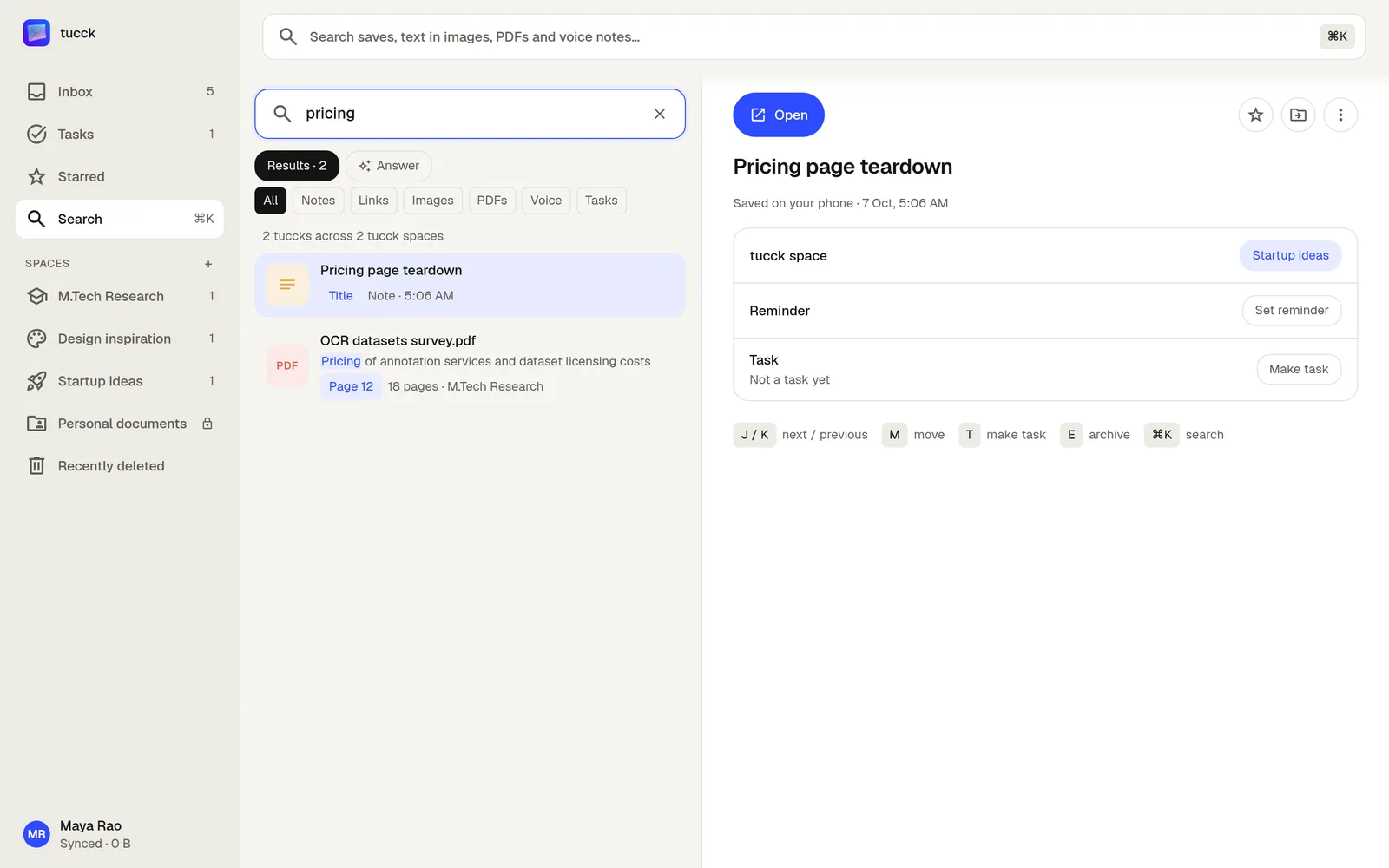
Open it on your laptop.
Scan a code with your phone and your saves are on tucck.app: search, tucck spaces and tasks on a big screen. tucck web comes with Starter.
Private by default.
- Saved on your phone firstEverything works offline, and Free never leaves your phone.
- Locked spaces stay lockedA tucck lock keeps a space hidden until your face or fingerprint opens it.
- Your AI key stays with youIt lives on your phone. tucck's servers never see it, or what it reads.
- Analytics never see your savesThey count taps, not content, and you can turn them off.
- No ads, everYour saves are never sold, shared or used to train AI.
Pricing
Start free. Keep everything in one place.
Save the things that matter. Upgrade when you need more room.
Free
Free
Forever free
For everyday saving and quick capture.
- Save links, screenshots, PDFs, voice notes and notes
- Search all of it, even the text in screenshots
- Organize with tucck spaces, tags and tasks
- 1 tucck lock
- Everything stays on your phone
Starter
See pricing in the app
Google Play sets it for your country, in your currency.
For people who want their saves everywhere.
- Everything in Free
- Backed up to your account, 20 GB of room
- tucck web on any computer
- tucck on 2 phones
- 2 tucck locks
Questions, answered.
More in HelpIs there an iPhone app?
Not yet. tucck starts on Android, where it lives in the share menu of every app. tucck web works in any browser on a computer, paired with the Android app.
What is tucck web?
Your saves on a computer, at tucck.app: the Inbox, search, tucck spaces and tasks on a bigger screen. It comes with Starter. Locked tucck spaces stay hidden until you open them on your phone.
How do I open tucck on my computer?
Go to tucck.app/pair and scan the code with the tucck app on your phone. No password: the code lasts 60 seconds, and the browser stays signed in for up to 30 days.
How much is Starter?
The app shows the price before you pay, in your currency: Google Play sets it for your country. Free stays free, with no time limit.
Can I delete everything?
Yes. In the app, Account → Delete account erases your account and every save in it. You can export all your data first, from Account → Export all data.
What does search look through?
Titles, links, notes, tags and the text in your screenshots — read on this phone, even offline. With Starter, the text inside your PDFs too. With your own AI key, voice transcripts and handwriting as well.
Where are my saves kept on Free?
On this phone only. Sign in to keep your account, and move to Starter to back up to it, open tucck on a computer at tucck.app, and use a second phone.
Who can see what I save?
Only you. tucck never uses your saves to train AI, and crash reports and usage counts never include what you save. Lock a tucck space or the whole app in Settings → tucck lock & privacy.
Save it from anywhere. Find it in seconds.
Coming soon to Google PlayOpen tucck web